> ## Documentation Index
> Fetch the complete documentation index at: https://docs.agentops.ai/llms.txt
> Use this file to discover all available pages before exploring further.
# OpenAI
> AgentOps provides first class support for OpenAI's GPT family of models
[OpenAI](https://www.openai.com) is a leading provider of AI tools and services.
Explore the [OpenAI API](https://platform.openai.com/) for more information.
```bash pip theme={null}
pip install agentops
```
```bash poetry theme={null}
poetry add agentops
```
`openai<1.0.0` has limited support while `openai>=1.0.0` is continuously supported.
```bash pip theme={null}
pip install openai
```
```bash poetry theme={null}
poetry add openai
```
To install `openai<1.0.0`, use the following:
```bash pip theme={null}
pip install "openai<1.0.0"
```
```bash poetry theme={null}
poetry add "openai<1.0.0"
```
Make sure to call `agentops.init` before calling any `openai`, `cohere`, `crew`, etc models.
```python python theme={null}
import agentops
from openai import OpenAI
agentops.init()
client = OpenAI()
...
# End of program (e.g. main.py)
agentops.end_session("Success")
```
Set your API key as an `.env` variable for easy access.
```python .env theme={null}
AGENTOPS_API_KEY=
OPENAI_API_KEY=
```
Read more about environment variables in [Advanced Configuration](/v1/usage/advanced-configuration)
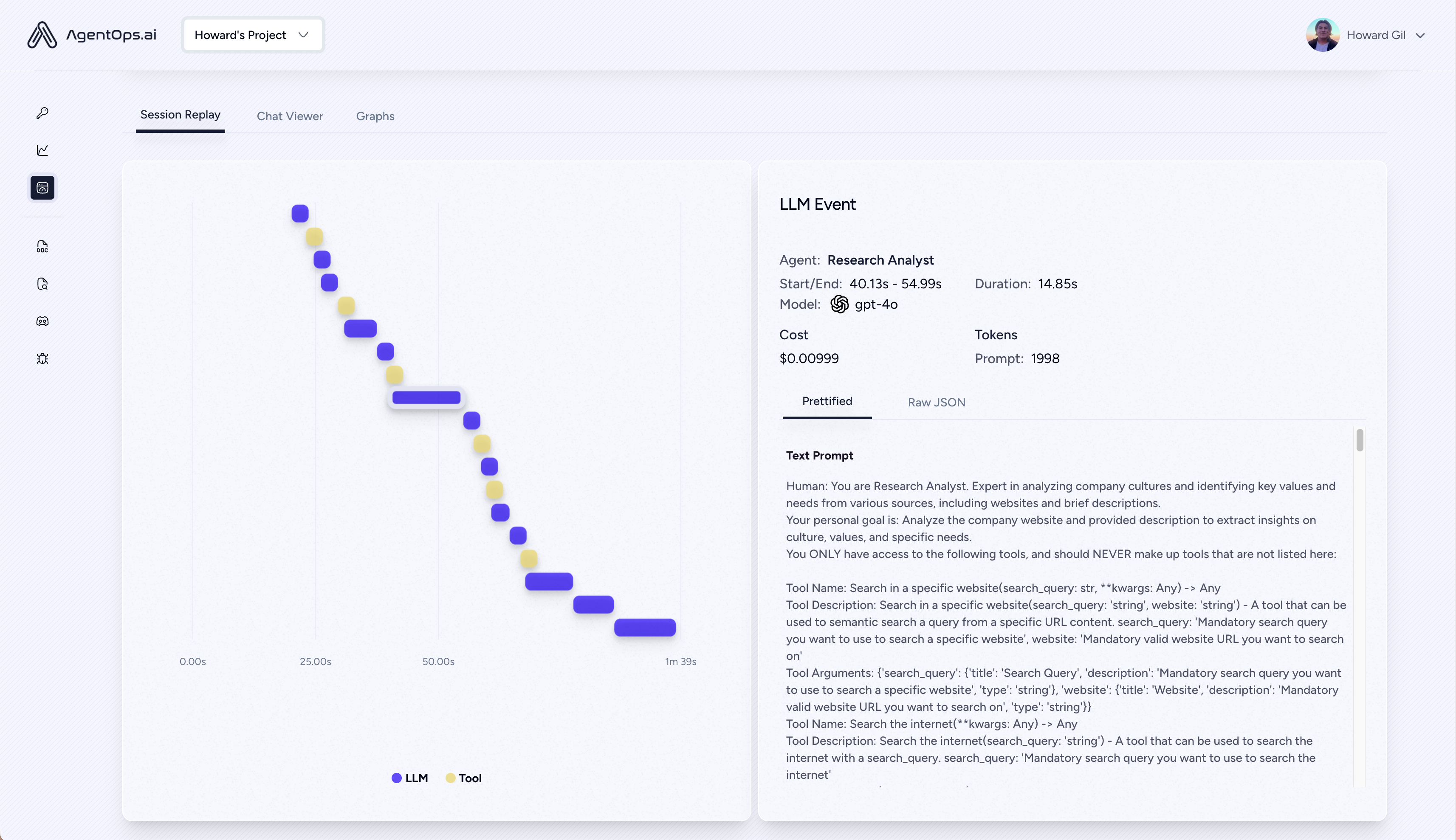
Execute your program and visit [app.agentops.ai/drilldown](https://app.agentops.ai/drilldown) to observe your Agent! 🕵️
After your run, AgentOps prints a clickable url to console linking directly to your session in the Dashboard
## Full Examples
```python sync theme={null}
from openai import OpenAI
import agentops
agentops.init()
client = OpenAI()
response = client.chat.completions.create(
model="gpt-4o-mini",
messages=[{
"role": "user",
"content": "Write a haiku about AI and humans working together"
}]
)
print(response.choices[0].message.content)
agentops.end_session('Success')
```
```python async theme={null}
from openai import AsyncOpenAI
import agentops
import asyncio
async def main():
agentops.init()
client = AsyncOpenAI()
response = await client.chat.completions.create(
model="gpt-4o-mini",
messages=[{
"role": "user",
"content": "Write a haiku about AI and humans working together"
}]
)
print(response.choices[0].message.content)
agentops.end_session('Success')
asyncio.run(main())
```
### Streaming examples
```python sync theme={null}
from openai import OpenAI
import agentops
agentops.init()
client = OpenAI()
stream = client.chat.completions.create(
model="gpt-4o-mini",
stream=True,
messages=[{
"role": "user",
"content": "Write a haiku about AI and humans working together"
}],
)
for chunk in stream:
print(chunk.choices[0].delta.content or "", end="")
agentops.end_session('Success')
```
```python async theme={null}
from openai import AsyncOpenAI
import agentops
import asyncio
async def main():
agentops.init()
client = AsyncOpenAI()
stream = await client.chat.completions.create(
model="gpt-4o-mini",
stream=True,
messages=[{
"role": "user",
"content": "Write a haiku about AI and humans working together"
}],
)
async for chunk in stream:
print(chunk.choices[0].delta.content or "", end="")
agentops.end_session('Success')
asyncio.run(main())
```
### Assistants example
You can find the example in the [Assistants](/v1/examples/openai_assistants) section.